


Online Safety
Our pupils grow up in a world full of technology. While it offers huge benefits for learning and connection, it also comes with real risks. We take a whole-school approach to online safety – teaching children directly, keeping our systems safe, and working closely with parents, since so much of children's online activity happens at home.
How we teach online safety
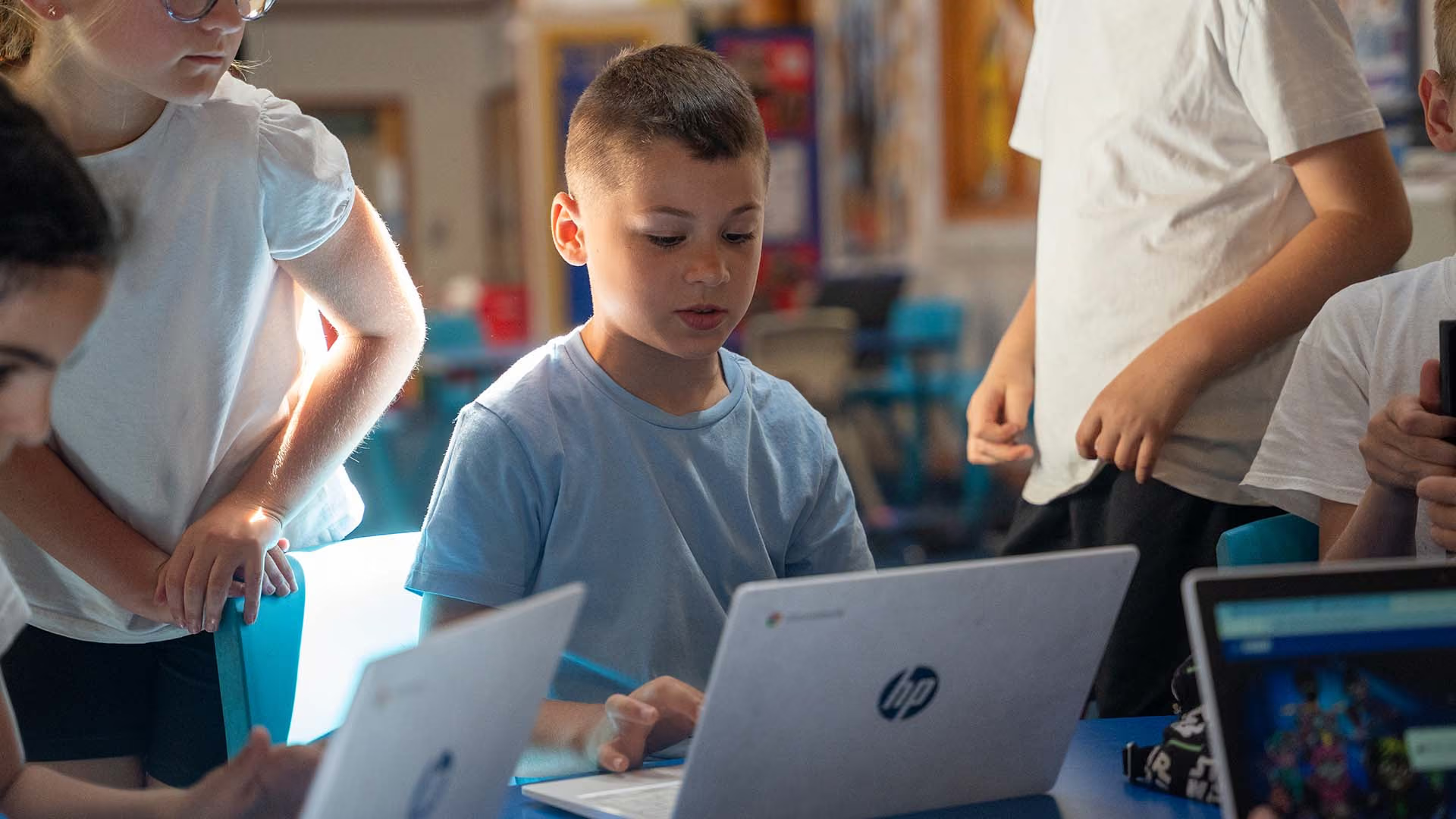
Online safety is built into our curriculum at every stage, following the National Curriculum computing programme of study and statutory relationships and health education guidance.
Children are taught to
- Use technology safely and respectfully, keeping personal information private
- Identify where to go for help if they have concerns about something they see or someone they interact with online
- Recognise acceptable and unacceptable online behaviour
- Identify a range of ways to report concerns about content or contact online
By the end of primary school, children will understand
- That people can behave differently online, including pretending to be someone they're not
- That the same respect and principles apply online as they do face-to-face
- How to recognise risks, harmful content and contact – and how to report them
- How to think critically about online friendships and sources of information, including the risks of people they've never met
- How information and data is shared and used online
- How to respond safely to adults they don't know, online or offline

Internet use and filtering in school
All use of the internet in school is for educational purposes. We monitor the websites accessed on our systems and use filtering software to restrict access to inappropriate content, reviewed regularly to make sure it stays effective as risks change. Pupils, parents, staff, and visitors are all expected to follow our acceptable use agreement when using the school's internet and devices.

Devices in school
Children may bring a mobile phone into school, but they're not permitted to use it during the school day. Phones are stored securely in the School Office and returned at the end of the day. While we take care of them, they remain the responsibility of their owner, and the school can't accept responsibility for loss, theft or damage.
Grooming
Grooming is when an adult builds a relationship with a child online, sometimes while pretending to be younger, with the intention of exploiting or harming them. It's one of the most serious online risks children can face, and one reason we teach children from an early age not to share personal information, and always to tell a trusted adult if an online interaction makes them feel uncomfortable.
Inappropriate content
This is material that isn't suitable for children to see, including violent, hateful or distressing content – is something our filtering systems work to prevent, but children may still occasionally encounter something upsetting, especially at home. We encourage children to tell a trusted adult straight away if this happens, rather than feeling like they're in trouble.
Generative AI and deepfakes
Generative AI tools – like ChatGPT or Google Gemini – are now widely available and easy to access. While AI has real potential to support learning, it can also be misused, including to create "deepfakes" (realistic-looking fake images, audio or video). Any use of AI to bully or target another pupil is treated with the same seriousness as any other form of bullying, under our behaviour policy.
Reporting harmful content
If your child sees something online that concerns you – whether at school or at home – please:
- Talk to your child's teacher or our Designated Safeguarding Lead if it relates to something happening at or around school
- Report it directly to the platform it appeared on – most social media and video platforms have a built-in reporting tool for harmful or inappropriate content
- Report to CEOP (Child Exploitation and Online Protection Command) if you're concerned about grooming or sexual exploitation
- Report to the Internet Watch Foundation if you find child sexual abuse material online – they can have it removed
- Call 999 if a child is in immediate danger
We will support parents by always letting them know:
- What systems we use to filter and monitor online use in school
- What your child is being asked to do online, including which sites they'll use and who (if anyone) from school they'll be interacting with online
We share online safety information through letters, our website, and parents' evenings, and we send guidance on cyber-bullying so you know the signs to look for and how to support your child if they're affected. If you have any questions or concerns about online safety, please raise them with your child's class teacher, our Designated Safeguarding Lead, or the Headteacher.
Useful resources
Read our full Online Safety Policy (PDF) for complete detail on our approach, including monitoring, filtering, and how incidents are handled. For up-to-date advice on specific apps and platforms – including age limits and safety settings – we'd recommend checking Internet Matters or National Online Safety directly, since app features and settings change frequently.
Read our full Online Safety Policy (PDF) for complete detail on our approach, including monitoring, filtering, and how incidents are handled. For up-to-date advice on specific apps and platforms – including age limits and safety settings – we'd recommend checking Internet Matters or National Online Safety directly, since app features and settings change frequently.